
Why WordPress Is a Practical Place to Start
Getting started with website development can feel daunting, but WordPress offers a straightforward way to learn by doing. It is a content management system that helps you create and organize pages without needing to write every line of code. Beginners can focus on the structure and purpose of a site, then explore technical details as their confidence grows.
WordPress comes in different forms. WordPress.com provides hosted plans, while WordPress.org software can be installed with a web host for greater control. Before starting, consider your budget, the features you need, and how much maintenance you are comfortable handling.
Set Up a Simple First Project
Choose a small, specific project, such as a personal portfolio or a guide to a hobby. A clear goal makes it easier to decide what pages to create. Begin with a homepage, an about page, and one useful content page. Sketch a simple menu so visitors can find their way around.
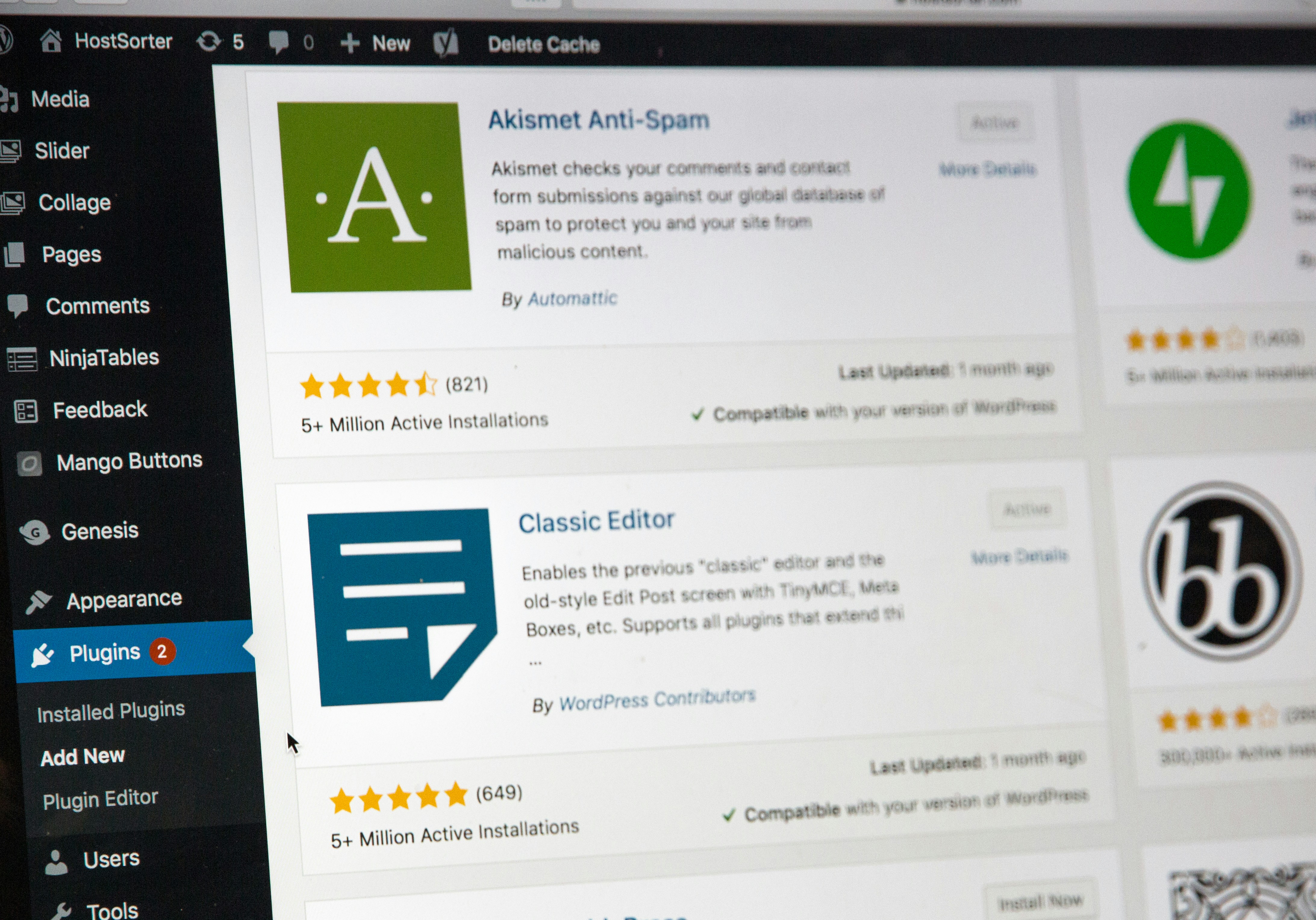
After setting up WordPress, select a theme that suits the project and works well on phones. Add only the essential plugins, such as tools for backups or contact forms. Too many add-ons can slow a site and make it harder to manage. Use the editor to add headings, paragraphs, images, and links, and preview each page before publishing.
Learn Through Tutorials and Experiments
Follow beginner tutorials in short steps: learn to create a page, customize the theme, adjust menus, and manage media. Try each lesson on a test site before making changes to a live project. This gives you room to experiment without disrupting a finished site.
WordPress also offers an accessible introduction to core development ideas. You can observe how themes affect layout, how plugins add features, and how content is stored and displayed. When ready, learn basic HTML and CSS to understand page structure and styling. Make one change at a time, then check the result across screen sizes.
Build Good Habits from the Start
Keep WordPress, themes, and plugins updated, and save regular backups. Use strong passwords and remove extensions you no longer need. Before publishing, check spelling, links, image descriptions, and readability. A small, well-maintained project is a better learning tool than a complicated site filled with features you cannot yet explain.